
Scan Notes to Flashcards
Snap your handwritten notes and get study cards in seconds. OCR + AI—no typing.
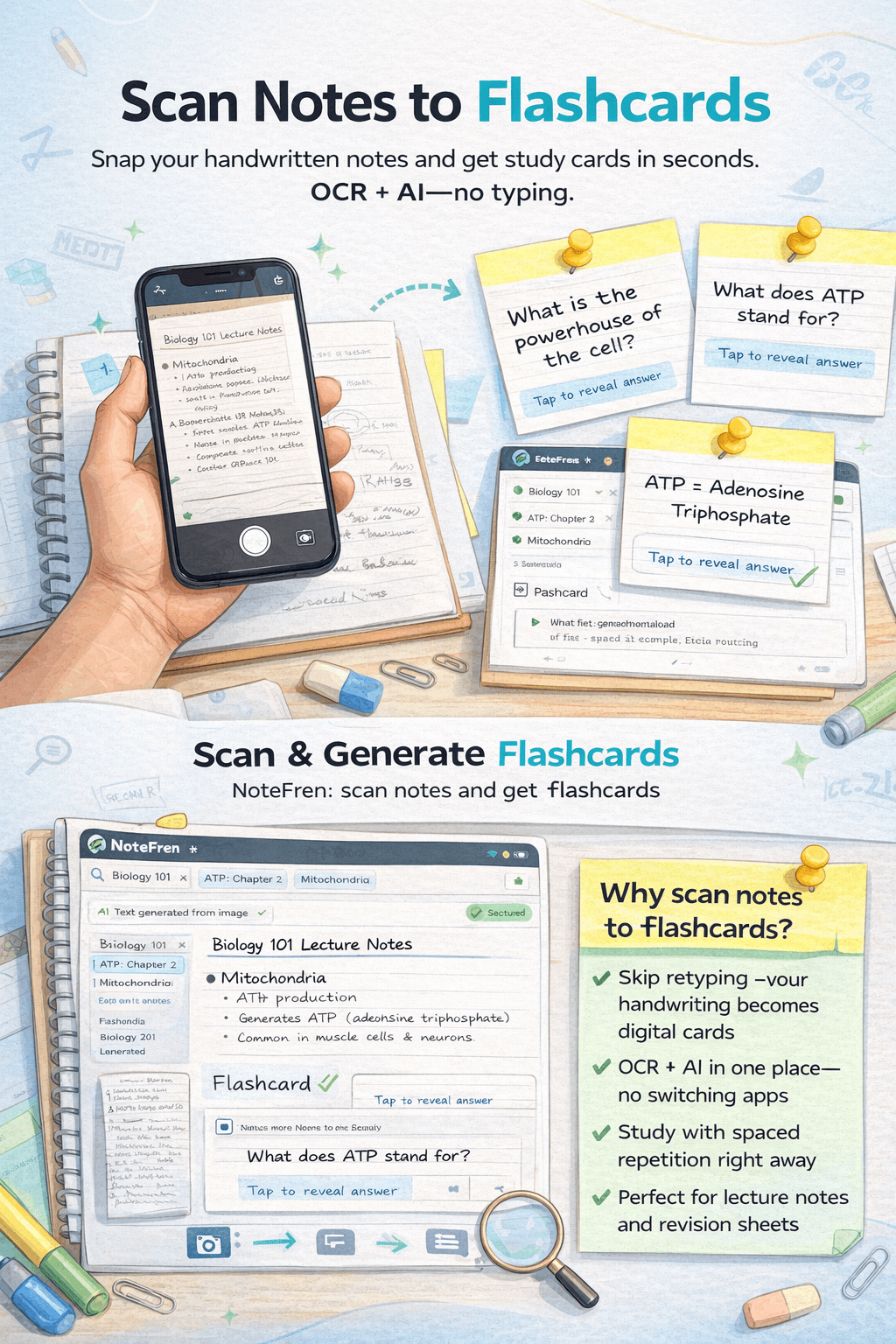
Photo of notes → text → flashcards. One app, one flow.
Why scan notes to flashcards?
Turning your notes into flashcards
Handwritten and printed notes are full of material worth studying, but retyping everything into flashcards is slow and boring. Scan notes to flashcards fixes that: you take a photo of your notes, the app turns the image into text with OCR, then the AI turns that text into question-and-answer cards. You go from paper or a screenshot to a study deck in one flow, without switching apps or retyping.
It works for lecture notes, revision sheets, and even messy handwriting. After the cards are generated, you can edit or delete any card, then study with spaced repetition so the material sticks. Flashcards from notes is especially useful right before exams, when you want to lock in everything you’ve already written down.
How OCR and active recall work together
OCR (optical character recognition) turns an image of text—handwritten or printed—into editable digital text. Once you have that text, the AI can analyze it for key concepts, definitions, and relationships, then generate question-answer pairs. So the pipeline is: photo → text (OCR) → flashcards (AI) → review (spaced repetition). You're not just digitizing notes; you're turning them into a format designed for active recall, which is one of the most effective ways to learn. Every time you flip a card and try to remember the answer, you're strengthening that memory.
Best practices for scanning notes
For the best OCR and flashcard results: use good lighting and avoid shadows on the page. Hold your phone or camera flat so the page isn't skewed. If your handwriting is messy, write key terms clearly or scan in smaller chunks. For printed handouts or textbook pages, a straight, clear photo is usually enough. After scanning, skim the recognized text in the app—fix any obvious OCR errors before generating cards so the AI works with accurate content.
Why flashcards from your own notes work
Flashcards work because they force retrieval practice: you see a question and have to produce the answer from memory. That effortful recall strengthens the memory trace. When the cards come from your notes—your words, your class material—they match exactly what you need for the exam. Generic or pre-made decks can help, but cards generated from your lecture notes and revision sheets are aligned with your syllabus and how your instructor frames the material. Scanning and converting your notes keeps that alignment without the hours of manual card creation.
Learn more about notes and flashcards
Note types that work for scan → flashcards
| Note type | Best for |
|---|---|
| Lecture notes | Key points, definitions, and examples from class |
| Revision sheets | Condensed summaries before exams |
| Handwritten notes | OCR reads your writing; AI turns it into Q&A cards |
| Printed handouts | Slides, worksheets, or textbook pages (photo or scan) |